
Home / VR, AR & digital twin overview
VR · AR · Digital twin
Digital twin – your plant in virtual reality
A digital twin is not a static 3D model but a dynamic replica of a process, machine or building. Combined with VR, it lets you walk through your plant, test changes, train people and support technicians remotely – before anything changes in the real world.
Reply within one business day · EN · DE · PL
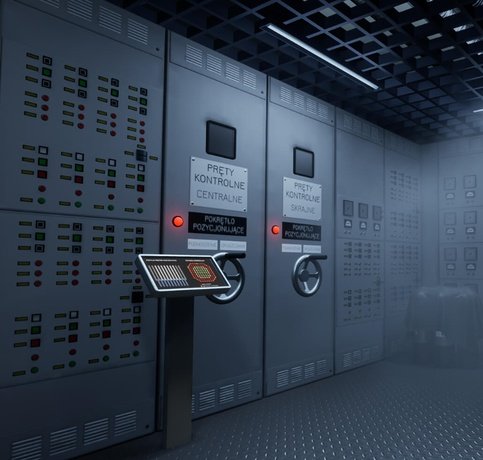
What a digital twin enables
- Immersive visualisation and analysis of processes
- Simulation and optimisation without risk
- Training before equipment is installed
- Remote collaboration and expert support with AR
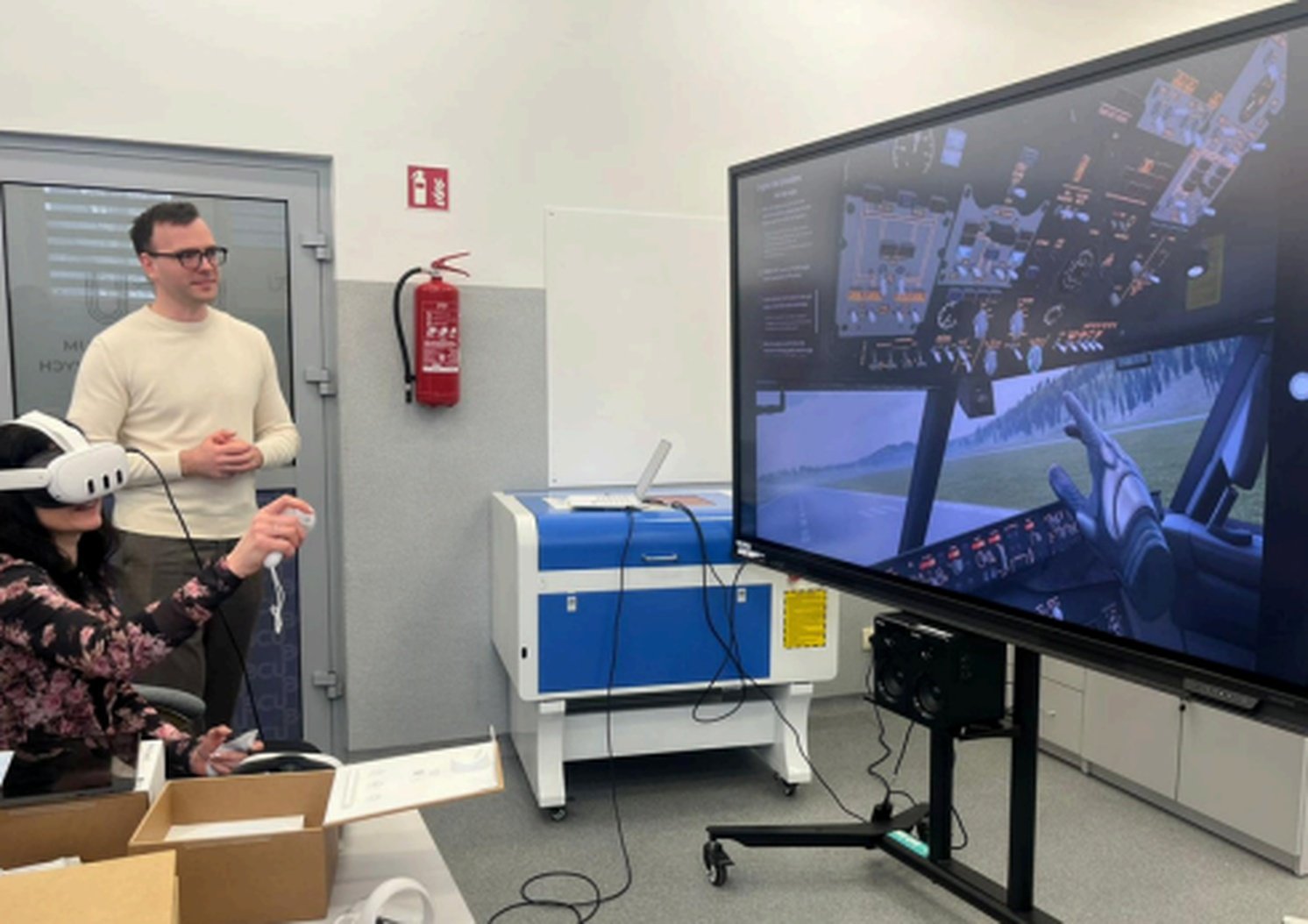
Typical applications
Planning a new layout or line before investment, training staff before a relocated or new line goes live, visualising complex machinery for sales and service, and capturing the know-how of experienced specialists in interactive instructions.
From data to twin
We use the data you already have – CAD models, drawings, photos, videos, 3D scans and interviews with your experts – and turn them into an interactive environment that runs on VR headsets or screens.
How we work
Step by step
Kick-off and definition of goals
Data collection: CAD, scans, documentation
Design and production of the twin
Testing and corrections
Implementation and training
Related solution
Knowledge capture with VR: the know-how of retiring specialists becomes an interactive VR work instruction on the digital twin of your machine.
All case studies →Selected clients of our partner network


FAQ
Frequently asked questions
What is the difference between a 3D model and a digital twin?
A 3D model shows how something looks. A digital twin reproduces how it works – processes, procedures and behaviour – and can be used for simulation and training.
Do we need CAD data?
CAD data helps, but we can also work with drawings, photos, videos and 3D scans.
Can the twin be extended later?
Yes. New machines, procedures or scenarios can be added step by step.
Let’s talk about your training challenge
Describe your use case, the number of users and your timeline. We will get back to you with a concept and a budget range.
Thank you – your enquiry has been sent.
We will get back to you within one business day.